探索Unifi CloudKey Gen2+的小OLED屏幕驱动并显示自定义图片
在 /lib/systemd/system 中可以找到 ck-splash-reboot.service 这样的文件,内容如下:
[Unit] Description=Boot error splash screen DefaultDependencies=no
[Service] Type=simple ExecStart=/sbin/ck-splash -s error.boot
[Install] WantedBy=emergency.target rescue.target
在尝试执行/sbin/ck-splash -s 时发现了更多命令
Available screens:
black done.fwupdate error.boot error.fwcheck error.fwupdate error.hdd error.power fwcheck fwupdate random reboot reset shutdown splash white image
这些命令都能用,不过这个程序似乎完全闭源,所以我没法修改它。
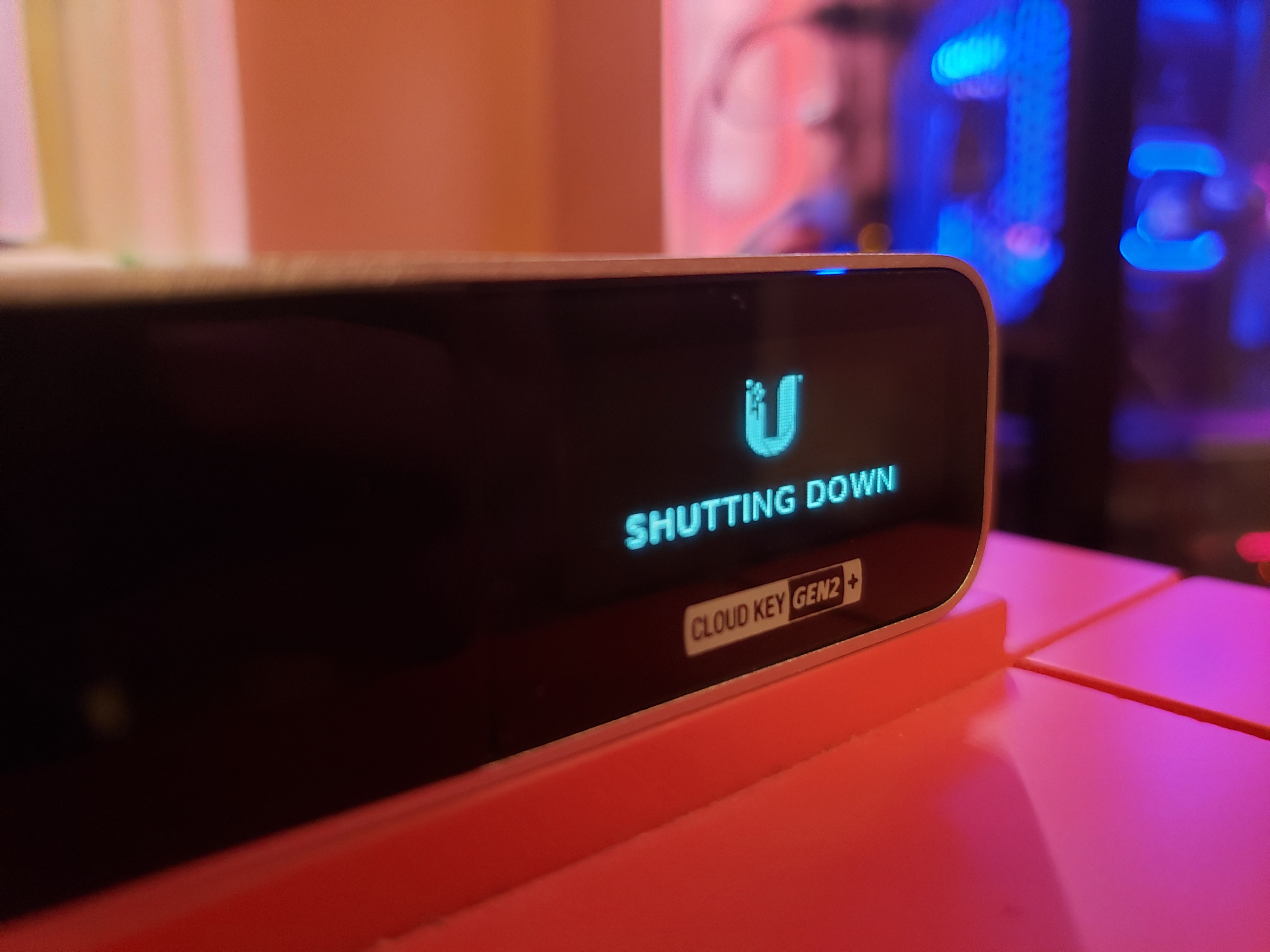
root@Krunk-CloudKey:~# /sbin/ck-splash -bs shutdown
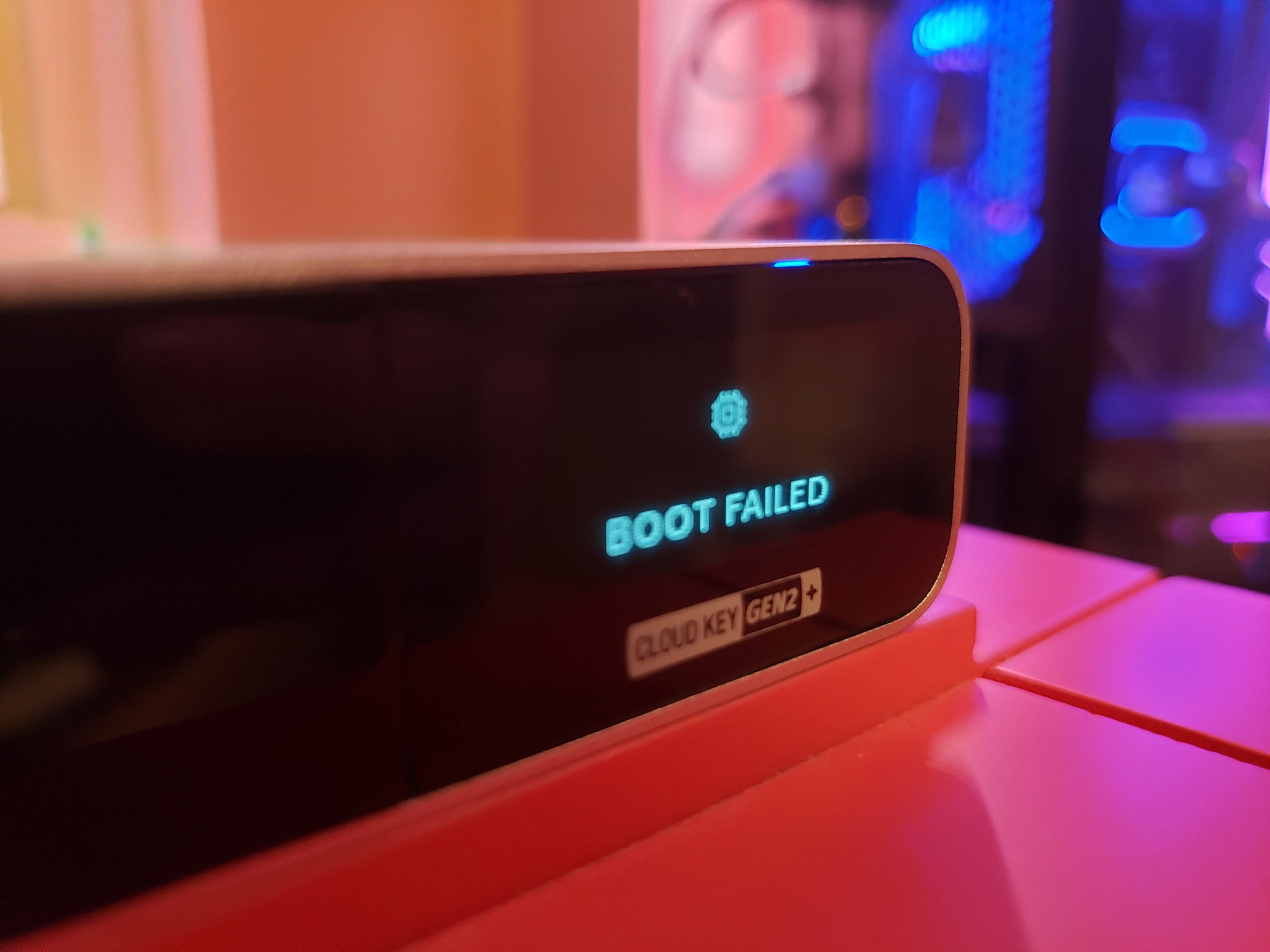
root@Krunk-CloudKey:~# /sbin/ck-splash -s error.boot
Framebuffer splash utility v0.3.0 (c) kesha@ubnt.com Ubiquiti Networks, Inc. 2018 Usage: /sbin/ck-splash [] Where possible options are: -d choose framebuffer (default: 0) -b run program in background -f use specified PNG image -l list available splash screens -s use specified splash screen -h print this help output and exit
我试了一张自己的 PNG 图片,成功把它显示在屏幕上。
root@Krunk-CloudKey:~# /sbin/ck-splash -f /usr/lib/unifi-voip/webapps/ROOT/lib/1.0.5.1178/stylesheets/images/close.png block ID=1 of 27 bytes @ 0x0009 block ID=2 of 15 bytes @ 0x0029 block ID=3 of 12 bytes @ 0x003d block ID=4 of 1940 bytes @ 0x004e Font has 97 chars
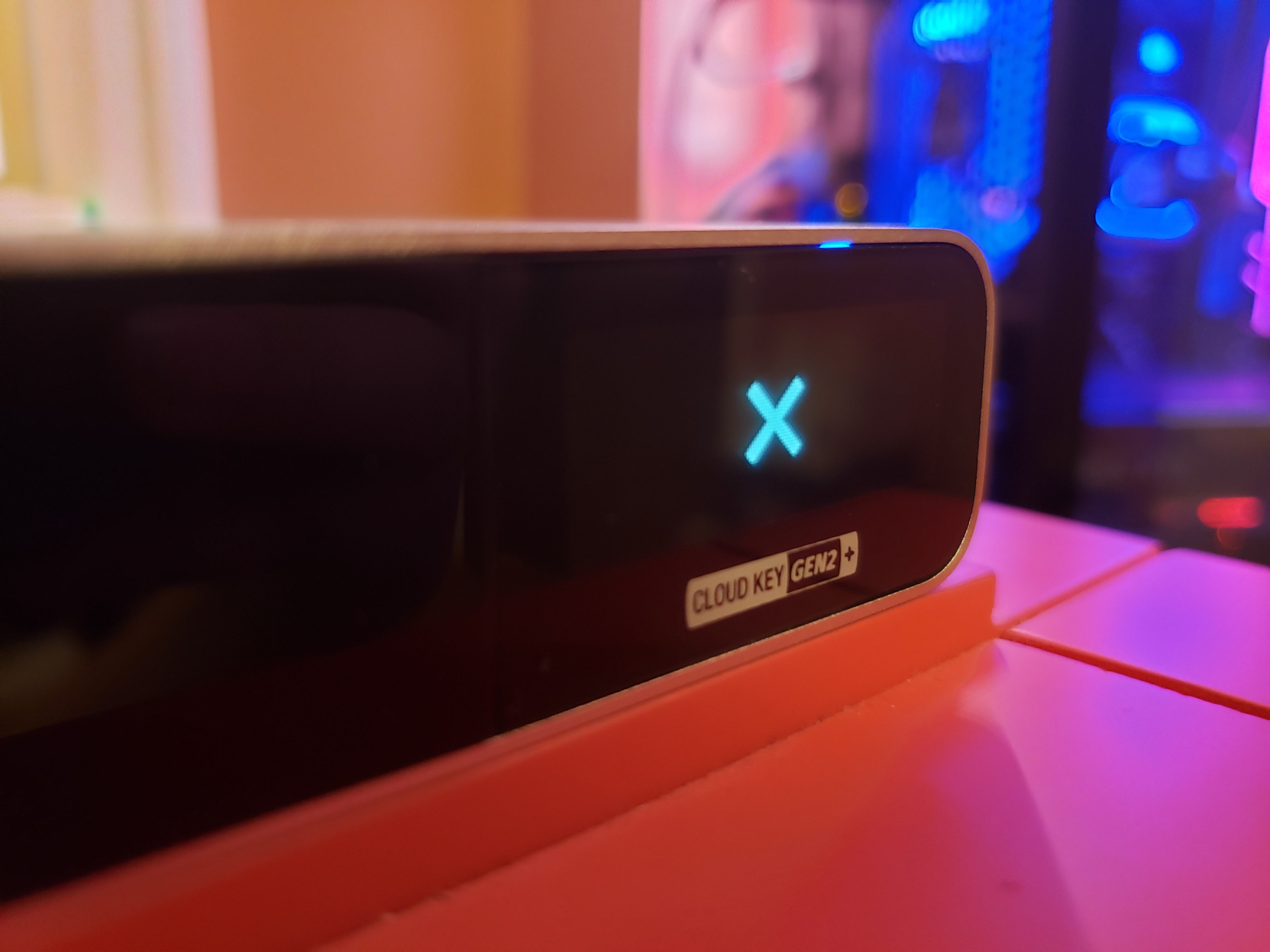
root@Krunk-CloudKey:~# /sbin/ck-splash -f /tmp/krunk.png block ID=1 of 27 bytes @ 0x0009 block ID=2 of 15 bytes @ 0x0029 block ID=3 of 12 bytes @ 0x003d block ID=4 of 1940 bytes @ 0x004e Font has 97 chars
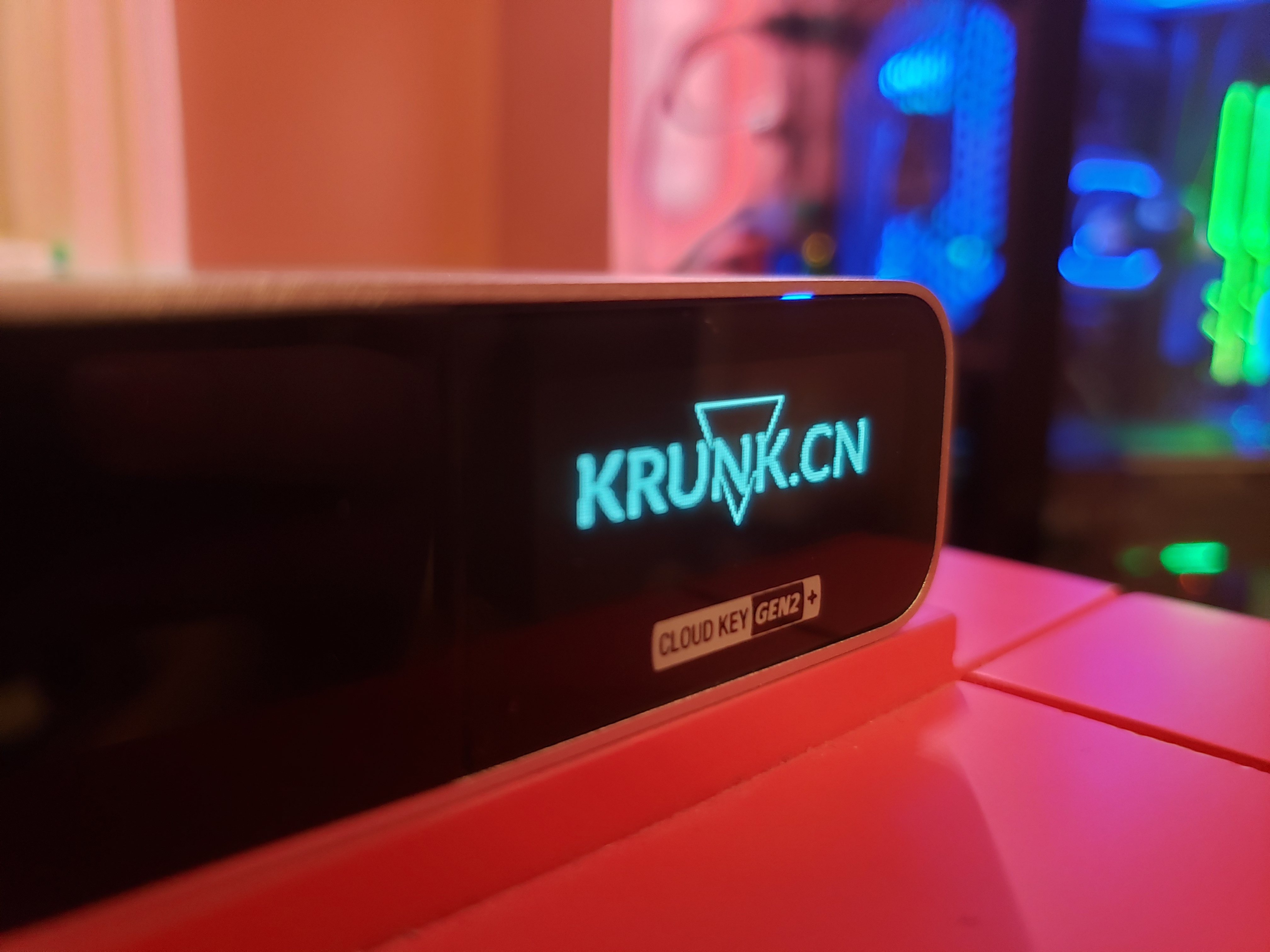 ck-ui是控制屏幕的驱动,通过I2C peripheral驱动屏幕
170:580 0 43717415 0 0 0 0 0 GIC 129 78b7000.spi
171:0 0 0 0 0 0 0 0 GIC 128 i2c-msm-v2-irq
172:18 58 0 0 0 0 0 0 GIC 331 i2c-msm-v2-irq
[Unit] Description=UniFi Cloud Key Gen2 On-Screen UI
[Service] ExecStart=/usr/bin/ck-ui KillMode=process Restart=on-failure TimeoutStopSec=2s
[Install] WantedBy=multi-user.target
$/usr/bin/ck-ui
UniFi Cloud Key Gen2 user interface application
Options: -h, --help Displays this help. -v, --version Displays version information. -c, --color Show color in -i, --image Show image from -b, --burnin Run burn-in test -s, --screen Show screen
能找到的说明都指向这两个文件,但它们似乎都不能显示自定义文字。我希望能拿到源码,或者找到更详细的帮助文档,把 UniFi 效果图里展示、系统里却没有的功能做出来。
写于 2019/06/26 · Krunk Zhou
一起聊聊