Setting Up a Steam Cache Server in Seven Steps
Here's how to run a Steam cache in Docker on Ubuntu and download games at LAN speeds.
1.Install curl:
sudo apt install curl -y
2.Install Docker:
sudo curl -sSL https://get.docker.com/ sh
- Check whether Docker is running:
sudo systemctl status docker
- Check the local IP address:
hostname -I
5.Download and run SteamCache, replacing the IP with your server's address:
sudo docker run \
--restart unless-stopped -d \
--name steam-cache \
-v /home/parallels/Desktop/steam/data:/data/cache \
-v /home/parallels/Desktop/steam/logs:/data/logs \
-p 10.211.55.3:80:80 \
steamcache/generic:latest
- Download and run SteamCache-dns, replacing the IP with your server's IP:
sudo docker run \
--restart unless-stopped -d \
--name steamcache-dns \
-p 10.211.55.3:53:53/udp \
-e STEAMCACHE_IP=10.211.55.3 \
steamcache/steamcache-dns:latest
- Check whether the program is running:
sudo docker container ls
Finally, point your computer's DNS settings at the cache server's IP address. Download something once, then try downloading it again. Isn't the speed blazing fast? 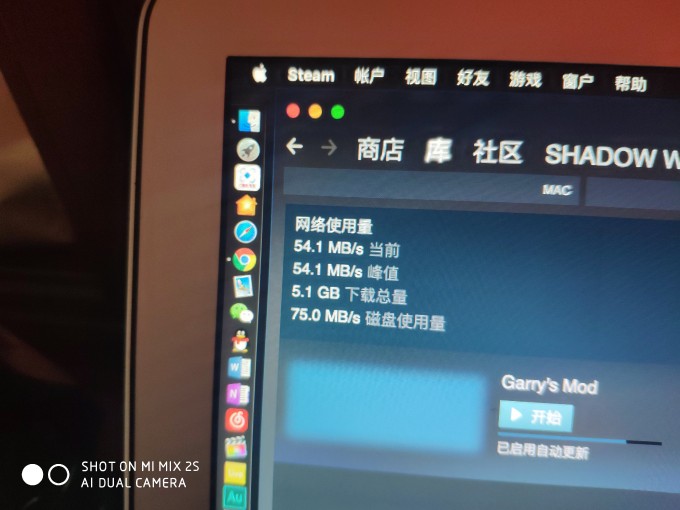 SteamCache Project: http://steamcache.net Docker: https://www.docker.com/
Published 10/25/2018 · Krunk Zhou
Join the conversation