电脑研究 / 计算机科学
【Processing3】Don't touch the line 小游戏制作附下载与源码
这两天实在无聊,朋友有个大学编程作业,看着挺有趣,我就接手了。下面是这款软件的介绍:
Processing is a flexible software sketchbook and a language for learning how to code within the context of the visual arts. Since 2001, Processing has promoted software literacy within the visual arts and visual literacy within technology. There are tens of thousands of students, artists, designers, researchers, and hobbyists who use Processing for learning and prototyping.
游戏效果:
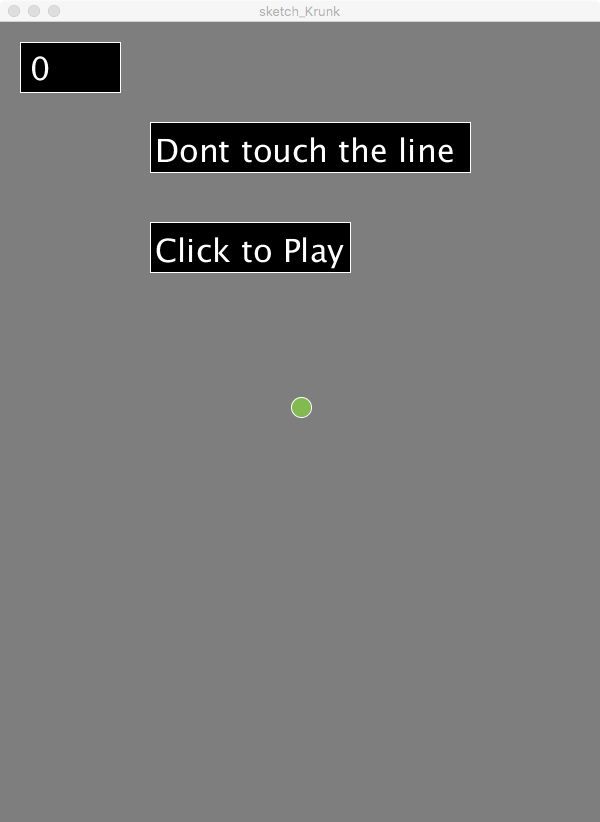
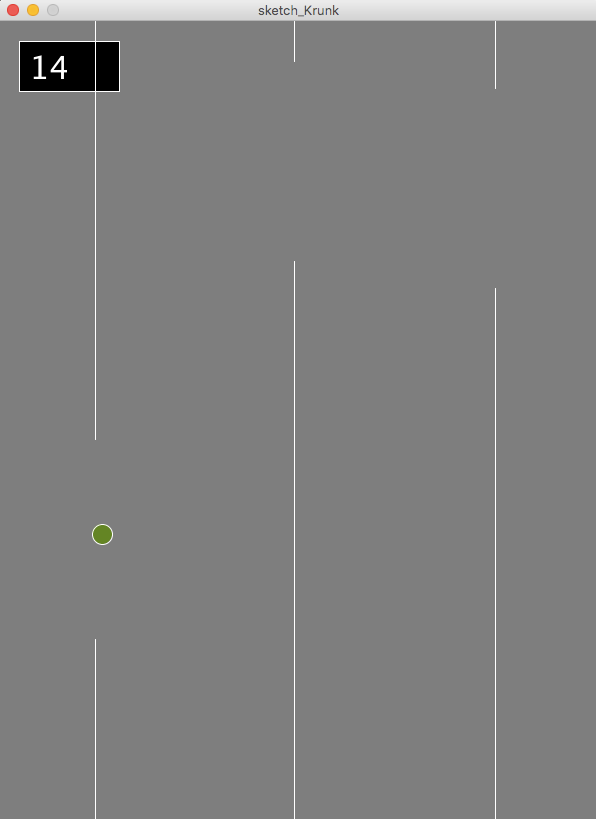
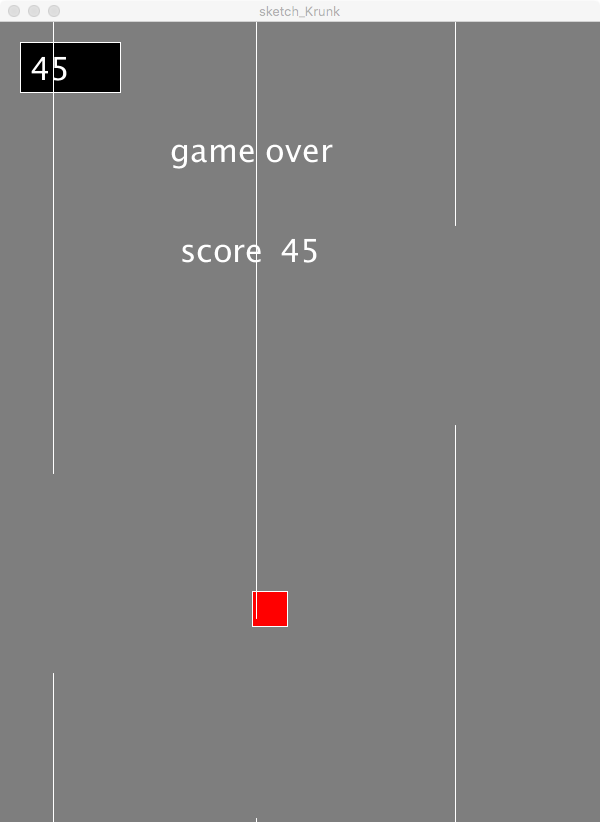
下一步:
先下载 Processing 3: https://processing.org/download/
这款软件基于 Java,用起来不算难。
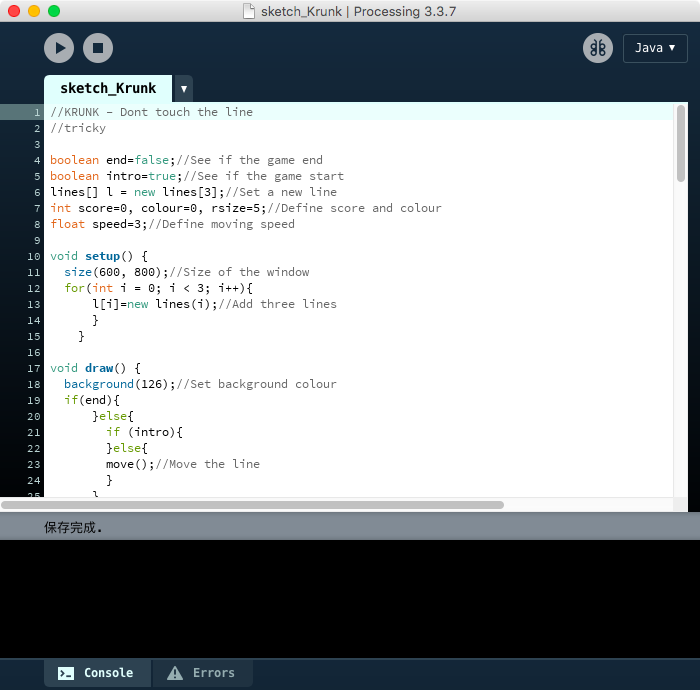
代码部分:
//KRUNK - Dont touch the line
//tricky

boolean end=false;//See if the game end
boolean intro=true;//See if the game start
lines[] l = new lines[3];//Set a new line
int score=0, colour=0, rsize=5;//Define score and colour
float speed=3;//Define moving speed

void setup() {
  size(600, 800);//Size of the window
  for(int i = 0; i < 3; i++){
      l[i]=new lines(i);//Add three lines
      }
    }

void draw() {
  background(126);//Set background colour
  if(end){
      }else{
        if (intro){
        }else{
        move();//Move the line
        }
      }
      check();//check if it end
      fill(0);//Set the colour
      stroke(255);//Set the colour
      textSize(32);//Set the size
      //if(end){
      rect(20, 20, 100, 50);//Make a rect
      fill(255);//Set the colour
      text(score, 30, 58);//Make a rect
      //}
      if(intro){
        fill(0);//Set the colour
        rect(150, 100, 320, 50);//Make a rect
        rect(150, 200, 200, 50);//Make a rect
        fill(255);//Set the colour
      }

  if(intro){
      text("Dont touch the line", 155, 140);//Make a text
      text("Click to Play", 155, 240);//Make a text
      }
      if(end){
        text("game over", 170, 140);//Make a text
        text("score", 180, 240);//Make a text
        text(score, 280, 240);//Make a text to show the score
      }

  float x = mouseX;//Set the mouseX to x
  float y = mouseY;//Set the mouseY to y
  if (colour <= 200){
    colour+=1;//Change the colour
  }else{
    colour=50;//Change back the colour
  }
  fill(colour, colour+55, colour-50);//Set the colour
  if (end){
    fill(255, 0, 0);//Change the colour
    rect(x, y, rsize, rsize);//Make a rect
    if (rsize <= 40){
      rsize+=2;//Change the colour
    }else{
      rsize=5;//Change back the colour
    }
  }else{
    ellipse(x, y, 20,20);//Make a circle
  }
  for(int i = 0; i < 3; i++){
      l[i].drawlines();//Draw the line
      l[i].checkPosition();//Check if cashed
    }
  }

void move(){
   for(int i = 0; i < 3; i++){
      l[i].xPos-=speed;//Move the lines
      speed+=0.001;//Speed up
    }
  }

void check(){
  float x = mouseX;//Set the mouseX to x
  float y = mouseY;//Set the mouseY to y
  for(int i = 0; i < 3; i++){
    if((x<l[i].xPos+10&&x>l[i].xPos-10)&&(y<l[i].opening-100y>l[i].opening+100)){ //Check if the ball touch the lines
     end=true; //End the game
    }
    }
  }

class lines{
   float xPos, opening;//Define xPosition, opening part
   boolean cashed = false;//Define cashed
   lines(int i){
   xPos = 600+(i * 200);//Set the xPosition
   opening = random(600)+100;//Set the opening part
   }
   void drawlines(){
      line(xPos, 0, xPos, opening - 100);  //Draw the line
      line(xPos, opening + 100, xPos, 800); //Draw the line
   }
   void checkPosition(){
     if(xPos <0 ){
     xPos+=(200 * 3);
     opening=random(600) + 100;
     cashed=false;
   }
   if(xPos < 250 && cashed == false){
     cashed=true;//Score
     score++; //Score
     }
   }
 }

void mousePressed(){
  intro=false;//Turn off the intro
}
下载:
http://home.krunk.cn:9000/ui/#/Share/Blog/sketch_Krunk or https://blog.86k.xyz/cloud/?dl=ba4a45cec01d9f255e52130bdfe65e2b(近期可能失效)
写于 2018/04/05 · Krunk Zhou
一起聊聊