电脑研究
探索Unifi CloudKey Gen2+的小OLED屏幕驱动并显示自定义图片
在 /lib/systemd/system 中可以找到 ck-splash-reboot.service 这样的文件,内容如下:
[Unit]
Description=Boot error splash screen
DefaultDependencies=no

[Service]
Type=simple
ExecStart=/sbin/ck-splash -s error.boot

[Install]
WantedBy=emergency.target rescue.target
在尝试执行/sbin/ck-splash -s 时发现了更多命令
Available screens:

black
done.fwupdate
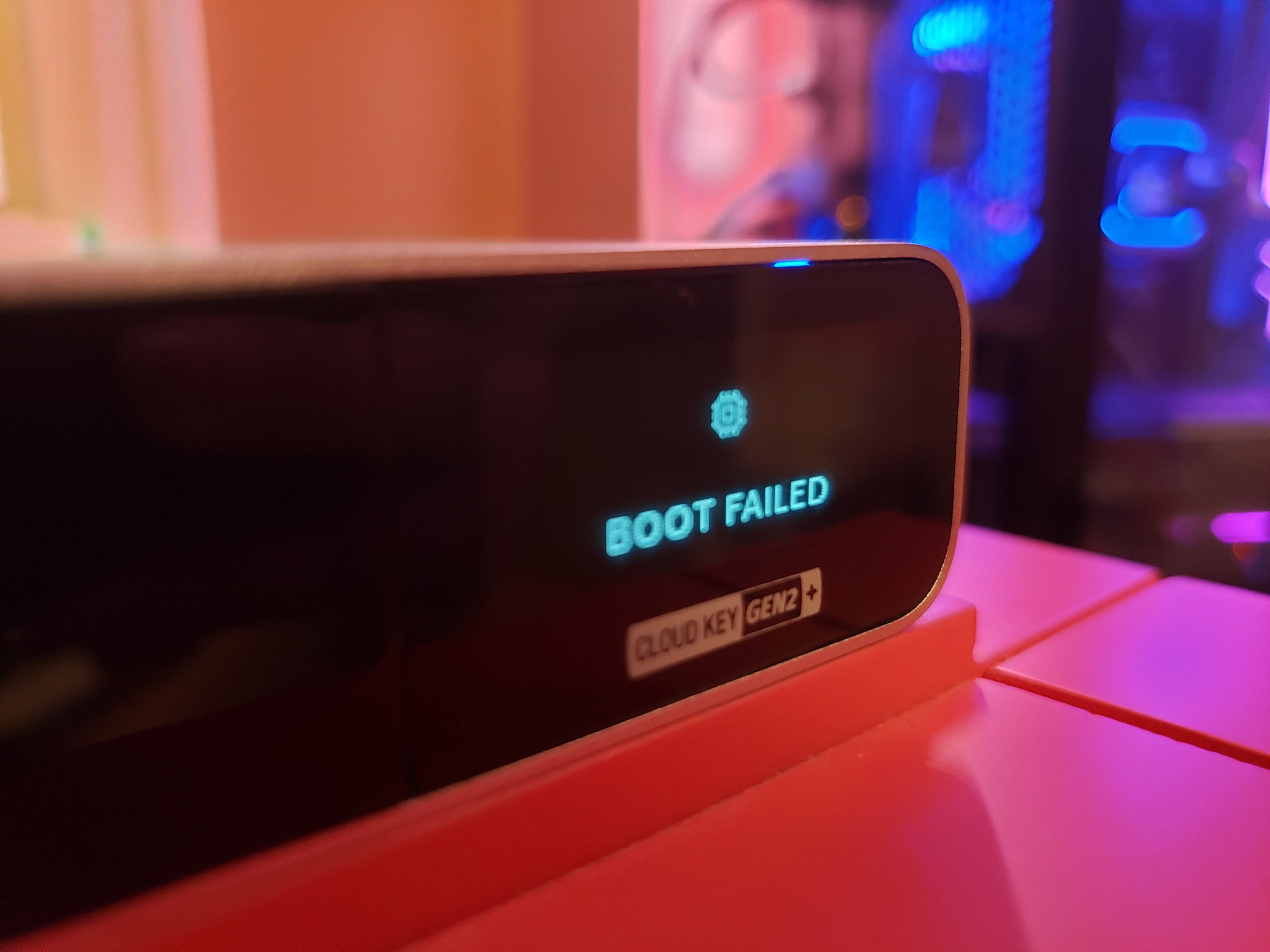
error.boot
error.fwcheck
error.fwupdate
error.hdd
error.power
fwcheck
fwupdate
random
reboot
reset
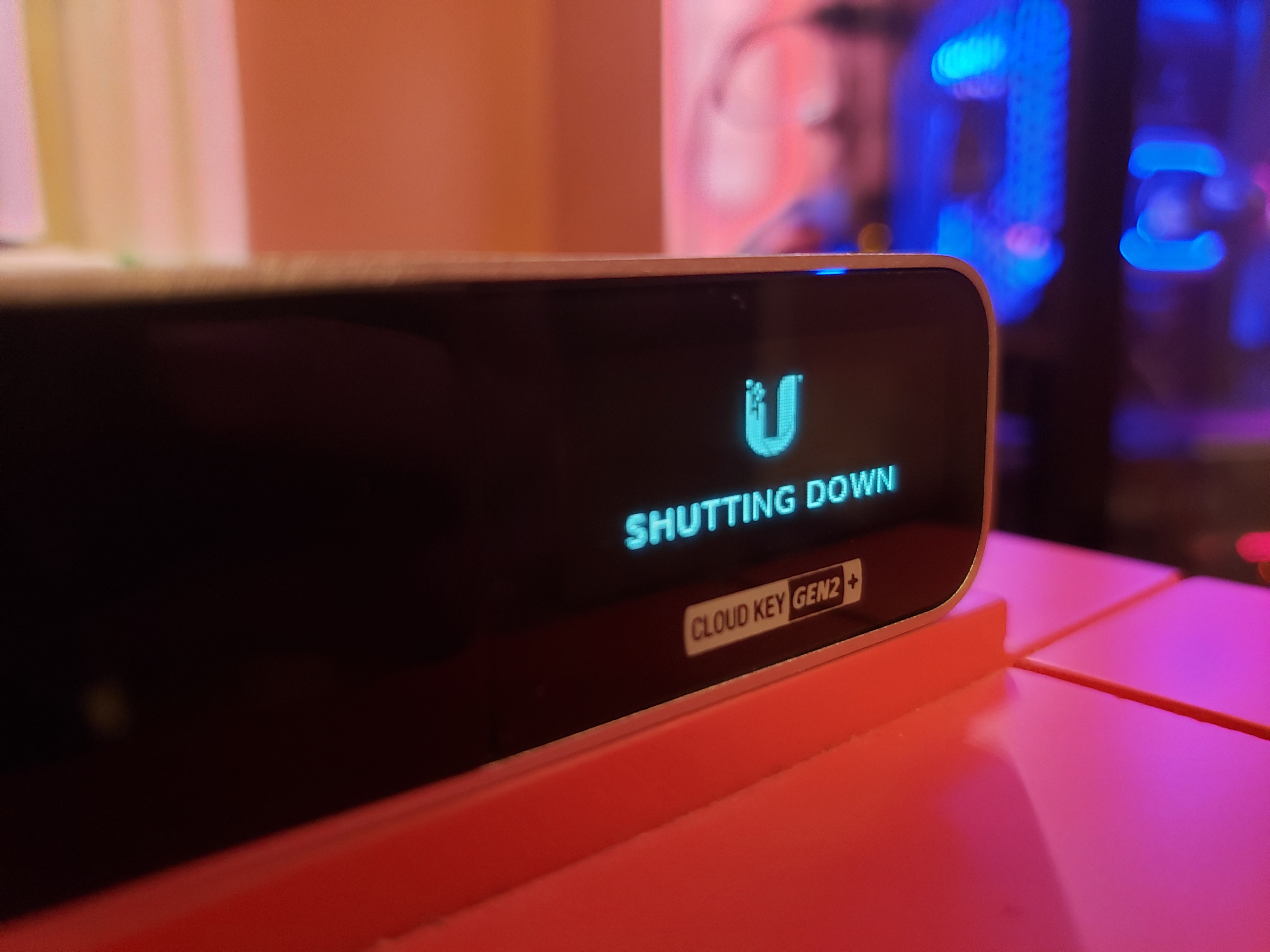
shutdown
splash
white
image
这些命令都能用,不过这个程序似乎完全闭源,所以我没法修改它。
root@Krunk-CloudKey:~# /sbin/ck-splash -bs shutdown
root@Krunk-CloudKey:~# /sbin/ck-splash -s error.boot
Framebuffer splash utility v0.3.0 (c) <kesha@ubnt.com> Ubiquiti Networks, Inc. 2018
Usage: /sbin/ck-splash [<options>]
Where possible options are:
-d <id> choose framebuffer (default: 0)
-b run program in background
-f <PNG file> use specified PNG image
-l list available splash screens
-s <screen> use specified splash screen
-h print this help output and exit
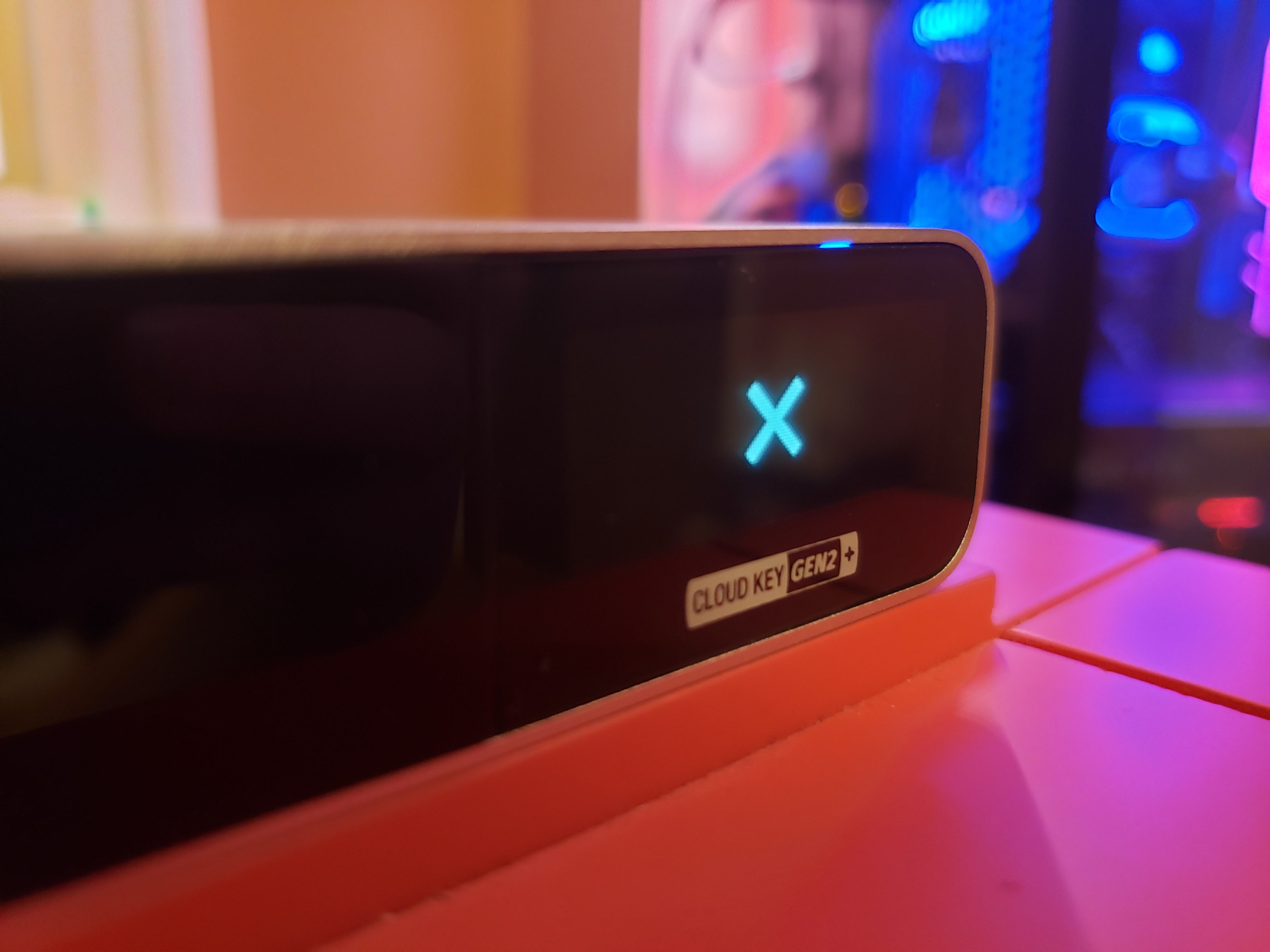
我试了一张自己的 PNG 图片,成功把它显示在屏幕上。
root@Krunk-CloudKey:~# /sbin/ck-splash -f /usr/lib/unifi-voip/webapps/ROOT/lib/1.0.5.1178/stylesheets/images/close.png
block ID=1 of 27 bytes @ 0x0009
block ID=2 of 15 bytes @ 0x0029
block ID=3 of 12 bytes @ 0x003d
block ID=4 of 1940 bytes @ 0x004e
Font has 97 chars
root@Krunk-CloudKey:~# /sbin/ck-splash -f /tmp/krunk.png
block ID=1 of 27 bytes @ 0x0009
block ID=2 of 15 bytes @ 0x0029
block ID=3 of 12 bytes @ 0x003d
block ID=4 of 1940 bytes @ 0x004e
Font has 97 chars
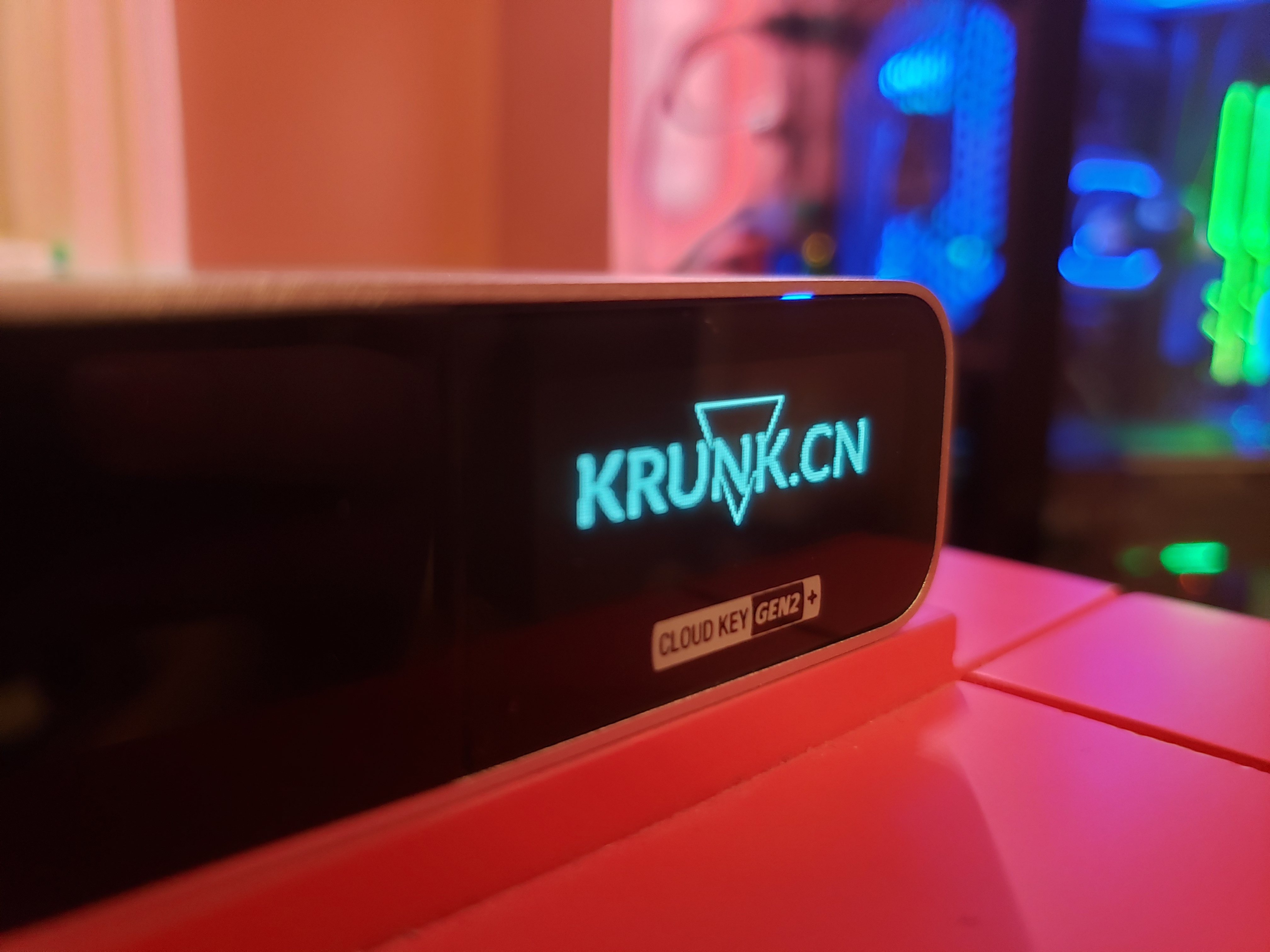
ck-ui是控制屏幕的驱动,通过I2C peripheral驱动屏幕
170:580 0 43717415 0 0 0 0 0 GIC 129 78b7000.spi

171:0 0 0 0 0 0 0 0 GIC 128 i2c-msm-v2-irq

172:18 58 0 0 0 0 0 0 GIC 331 i2c-msm-v2-irq
[Unit]
Description=UniFi Cloud Key Gen2 On-Screen UI

[Service]
ExecStart=/usr/bin/ck-ui
KillMode=process
Restart=on-failure
TimeoutStopSec=2s

[Install]
WantedBy=multi-user.target
$/usr/bin/ck-ui

UniFi Cloud Key Gen2 user interface application

Options:
-h, --help Displays this help.
-v, --version Displays version information.
-c, --color <hex> Show color in <hex>
-i, --image <path> Show image from <path>
-b, --burnin Run burn-in test
-s, --screen <name> Show screen
能找到的说明都指向这两个文件,但它们似乎都不能显示自定义文字。我希望能拿到源码,或者找到更详细的帮助文档,把 UniFi 效果图里展示、系统里却没有的功能做出来。
写于 2019/06/26 · Krunk Zhou
一起聊聊