Building Don’t Touch the Line in Processing 3, with Source Code and a Download
I was bored these past couple of days. A friend's university programming assignment looked interesting, so I took it on. Here's an introduction to the software: Processing is a flexible software sketchbook and a language for learning how to code within the context of the visual arts. Since 2001, Processing has promoted software literacy within the visual arts and visual literacy within technology. There are tens of thousands of students, artists, designers, researchers, and hobbyists who use Processing for learning and prototyping.
The game in action: 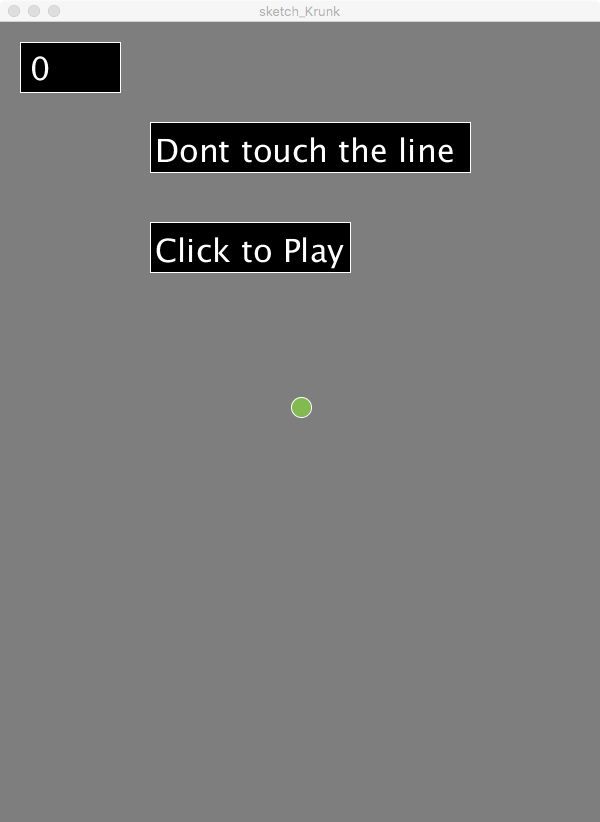
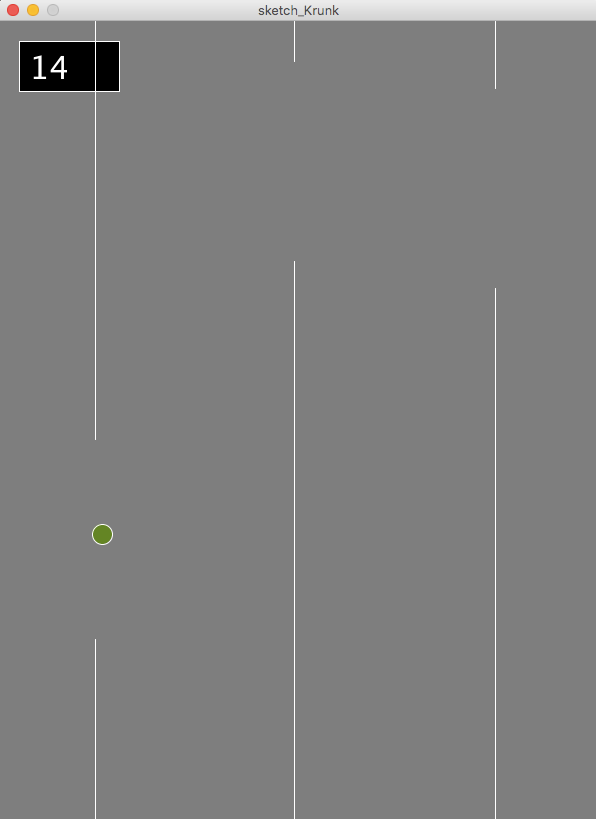
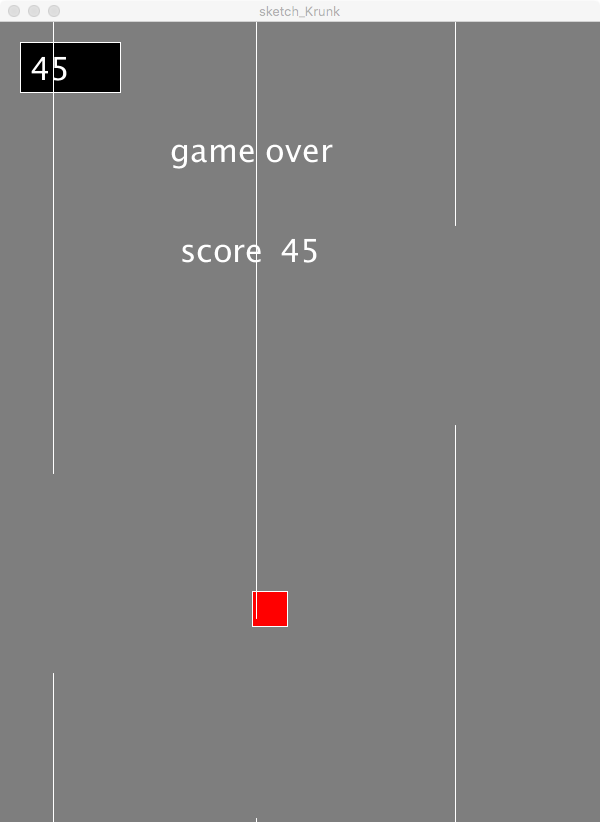 Next: Download Processing 3: https://processing.org/download/
 It's based on Java, so I found it fairly easy to use.
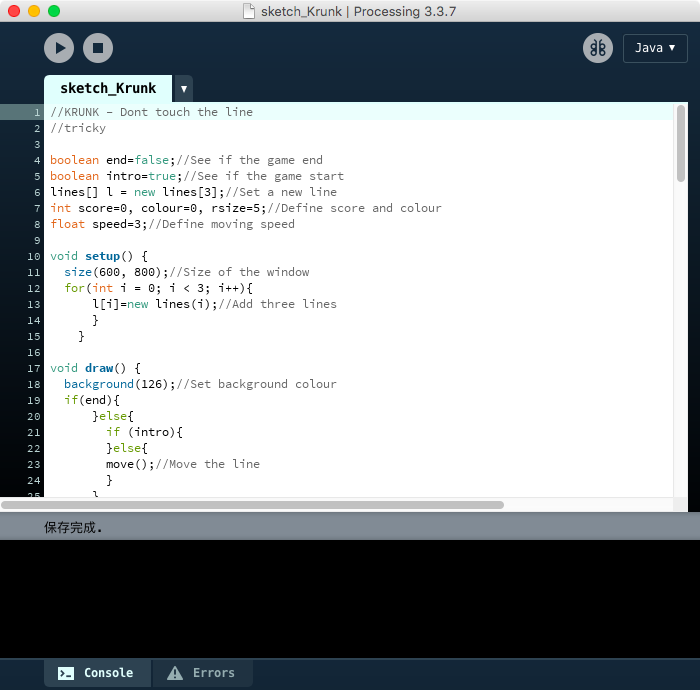 Code:
//KRUNK - Dont touch the line //tricky
boolean end=false;//See if the game end boolean intro=true;//See if the game start lines[] l = new lines[3];//Set a new line int score=0, colour=0, rsize=5;//Define score and colour float speed=3;//Define moving speed
void setup() { size(600, 800);//Size of the window for(int i = 0; i < 3; i++){ l[i]=new lines(i);//Add three lines } }
void draw() { background(126);//Set background colour if(end){ }else{ if (intro){ }else{ move();//Move the line } } check();//check if it end fill(0);//Set the colour stroke(255);//Set the colour textSize(32);//Set the size //if(end){ rect(20, 20, 100, 50);//Make a rect fill(255);//Set the colour text(score, 30, 58);//Make a rect //} if(intro){ fill(0);//Set the colour rect(150, 100, 320, 50);//Make a rect rect(150, 200, 200, 50);//Make a rect fill(255);//Set the colour }
if(intro){ text("Dont touch the line", 155, 140);//Make a text text("Click to Play", 155, 240);//Make a text } if(end){ text("game over", 170, 140);//Make a text text("score", 180, 240);//Make a text text(score, 280, 240);//Make a text to show the score }
float x = mouseX;//Set the mouseX to x float y = mouseY;//Set the mouseY to y if (colour <= 200){ colour+=1;//Change the colour }else{ colour=50;//Change back the colour } fill(colour, colour+55, colour-50);//Set the colour if (end){ fill(255, 0, 0);//Change the colour rect(x, y, rsize, rsize);//Make a rect if (rsize <= 40){ rsize+=2;//Change the colour }else{ rsize=5;//Change back the colour } }else{ ellipse(x, y, 20,20);//Make a circle } for(int i = 0; i < 3; i++){ l[i].drawlines();//Draw the line l[i].checkPosition();//Check if cashed } }
void move(){ for(int i = 0; i < 3; i++){ l[i].xPos-=speed;//Move the lines speed+=0.001;//Speed up } }
void check(){ float x = mouseX;//Set the mouseX to x float y = mouseY;//Set the mouseY to y for(int i = 0; i < 3; i++){ if((x<l[i].xPos+10&&x>l[i].xPos-10)&&(y<l[i].opening-100y>l[i].opening+100)){ //Check if the ball touch the lines end=true; //End the game } } }
class lines{ float xPos, opening;//Define xPosition, opening part boolean cashed = false;//Define cashed lines(int i){ xPos = 600+(i * 200);//Set the xPosition opening = random(600)+100;//Set the opening part } void drawlines(){ line(xPos, 0, xPos, opening - 100); //Draw the line line(xPos, opening + 100, xPos, 800); //Draw the line } void checkPosition(){ if(xPos <0 ){ xPos+=(200 * 3); opening=random(600) + 100; cashed=false; } if(xPos < 250 && cashed == false){ cashed=true;//Score score++; //Score } } }
void mousePressed(){ intro=false;//Turn off the intro }
Download: http://home.krunk.cn:9000/ui/#/Share/Blog/sketch_Krunk or https://blog.86k.xyz/cloud/?dl=ba4a45cec01d9f255e52130bdfe65e2b(近期可能失效)
Published 04/05/2018 · Krunk Zhou
Join the conversation