Showing Custom Images on the UniFi Cloud Key Gen2 Plus OLED Display
In /lib/systemd/system, there are files such as ck-splash-reboot.service containing the following:
[Unit] Description=Boot error splash screen DefaultDependencies=no
[Service] Type=simple ExecStart=/sbin/ck-splash -s error.boot
[Install] WantedBy=emergency.target rescue.target
While trying to run /sbin/ck-splash -s, I discovered more commands.
Available screens:
black done.fwupdate error.boot error.fwcheck error.fwupdate error.hdd error.power fwcheck fwupdate random reboot reset shutdown splash white image
All these commands work, but the program appears to be closed source, so I couldn't modify it.
root@Krunk-CloudKey:~# /sbin/ck-splash -bs shutdown

root@Krunk-CloudKey:~# /sbin/ck-splash -s error.boot
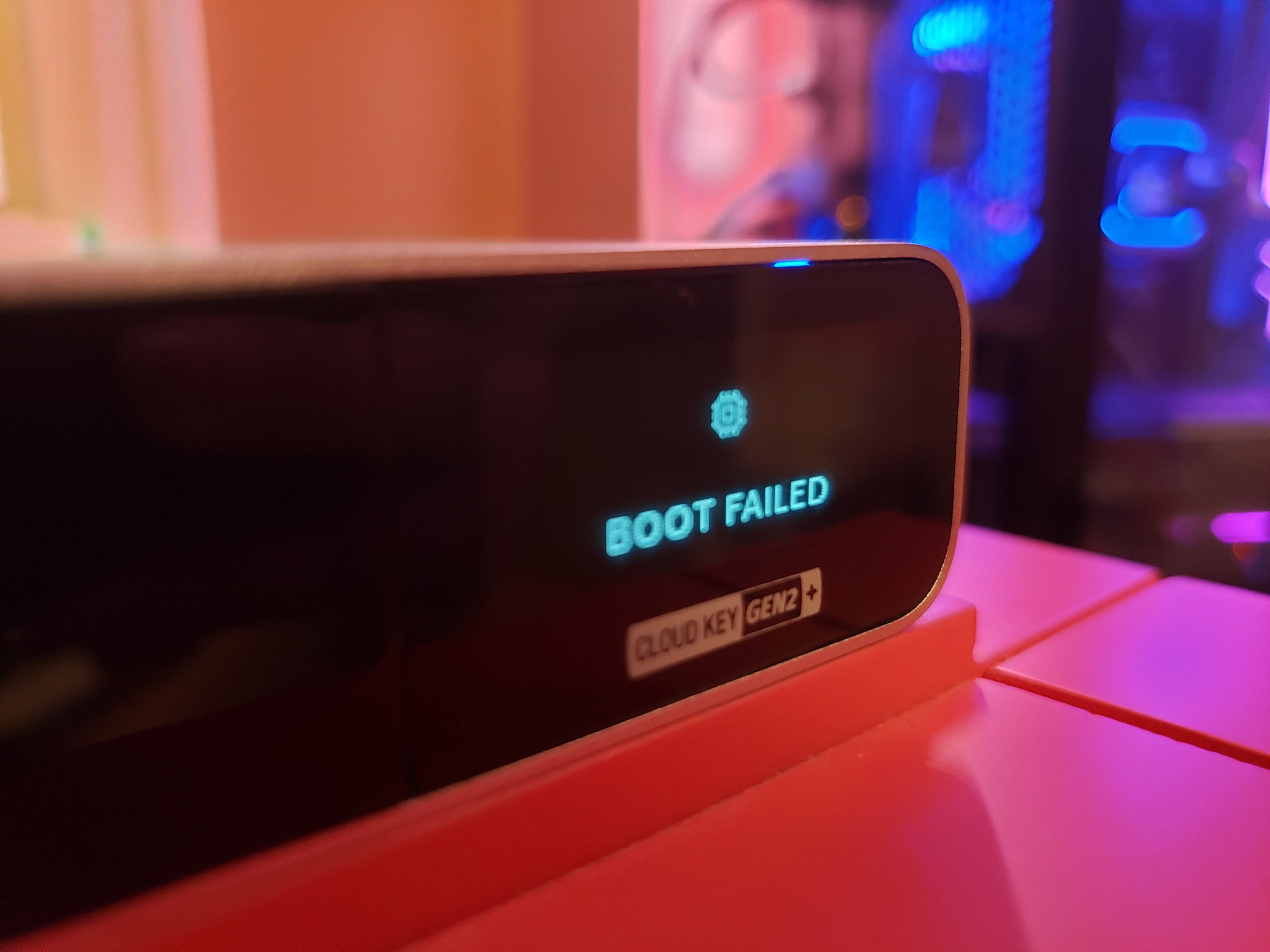
Framebuffer splash utility v0.3.0 (c) kesha@ubnt.com Ubiquiti Networks, Inc. 2018 Usage: /sbin/ck-splash [] Where possible options are: -d choose framebuffer (default: 0) -b run program in background -f use specified PNG image -l list available splash screens -s use specified splash screen -h print this help output and exit
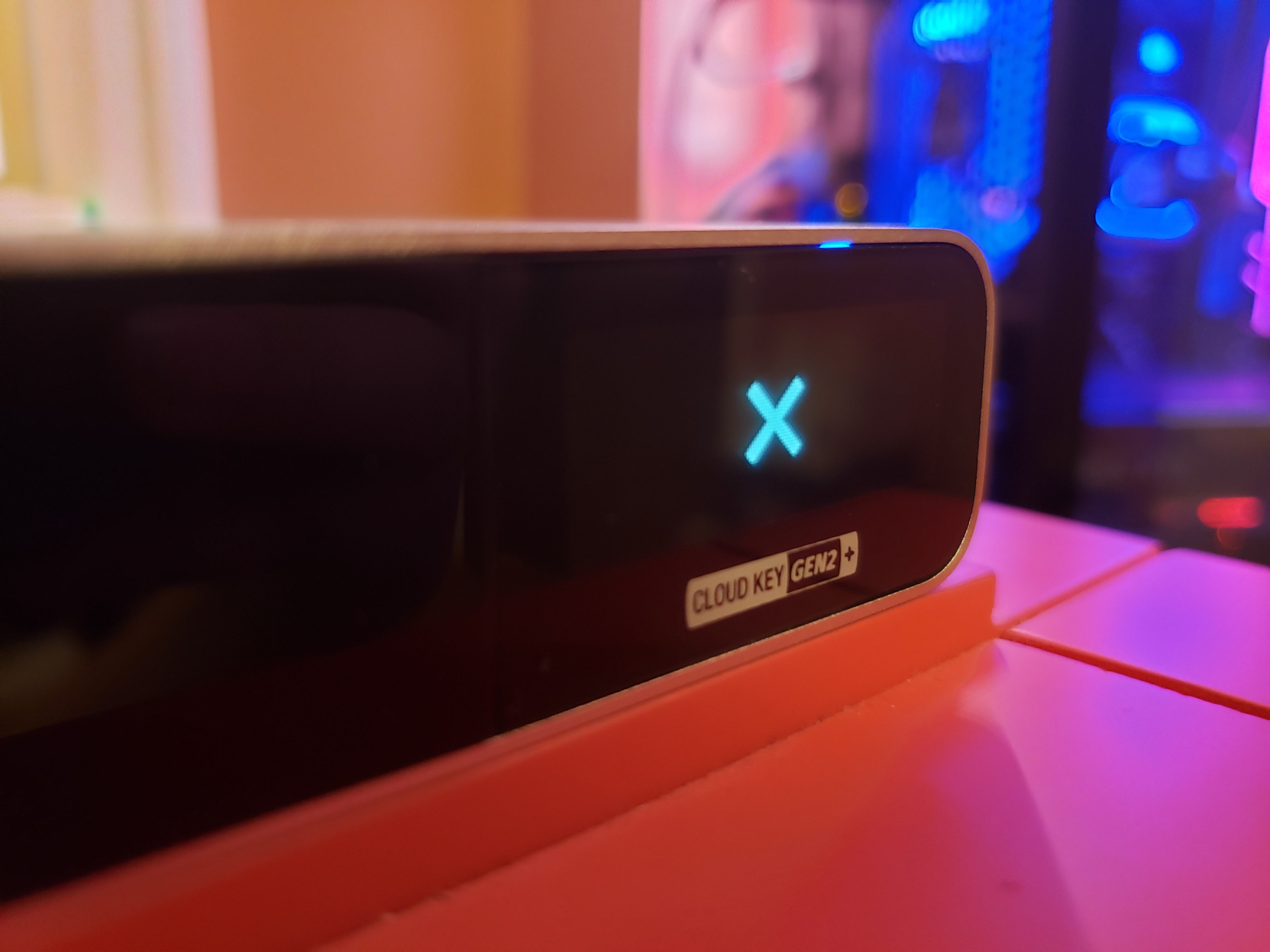
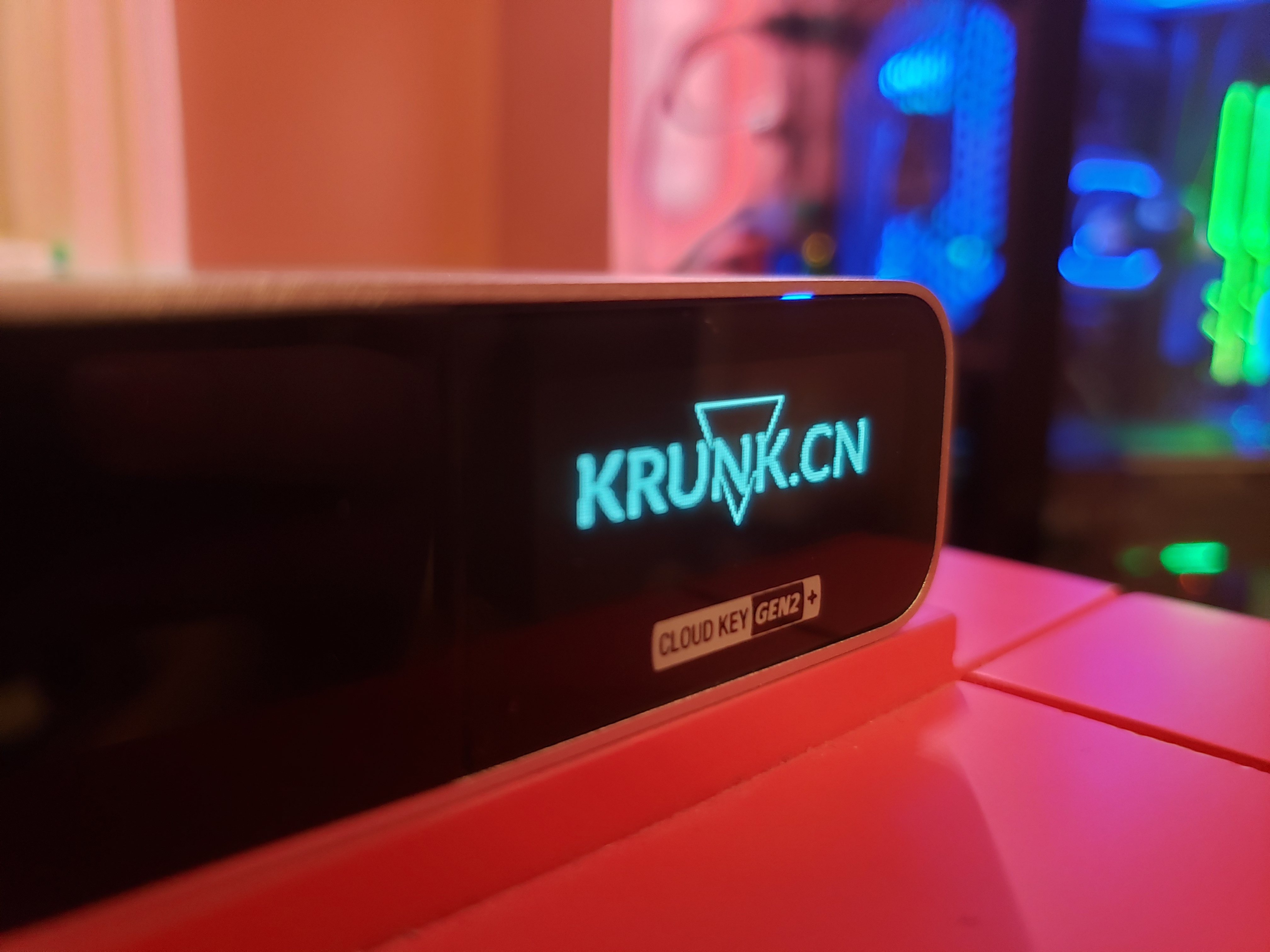
I managed to display one of my own PNG images.
root@Krunk-CloudKey:~# /sbin/ck-splash -f /usr/lib/unifi-voip/webapps/ROOT/lib/1.0.5.1178/stylesheets/images/close.png block ID=1 of 27 bytes @ 0x0009 block ID=2 of 15 bytes @ 0x0029 block ID=3 of 12 bytes @ 0x003d block ID=4 of 1940 bytes @ 0x004e Font has 97 chars
root@Krunk-CloudKey:~# /sbin/ck-splash -f /tmp/krunk.png block ID=1 of 27 bytes @ 0x0009 block ID=2 of 15 bytes @ 0x0029 block ID=3 of 12 bytes @ 0x003d block ID=4 of 1940 bytes @ 0x004e Font has 97 chars
 ck-ui is the driver that controls the display through the I2C peripheral.
170:580 0 43717415 0 0 0 0 0 GIC 129 78b7000.spi
171:0 0 0 0 0 0 0 0 GIC 128 i2c-msm-v2-irq
172:18 58 0 0 0 0 0 0 GIC 331 i2c-msm-v2-irq
[Unit] Description=UniFi Cloud Key Gen2 On-Screen UI
[Service] ExecStart=/usr/bin/ck-ui KillMode=process Restart=on-failure TimeoutStopSec=2s
[Install] WantedBy=multi-user.target
$/usr/bin/ck-ui
UniFi Cloud Key Gen2 user interface application
Options: -h, --help Displays this help. -v, --version Displays version information. -c, --color Show color in -i, --image Show image from -b, --burnin Run burn-in test -s, --screen Show screen
All the descriptions point to these two files, but neither seems able to display custom text. I hope to obtain the source code or find more help files so I can implement the features shown in UniFi's promotional images but missing from the system.
Published 06/26/2019 · Krunk Zhou
Join the conversation